1Take Support
Support page for 1Take - Audio Recording App for Musicians
1Take Support
Welcome to 1Take support page.
1Take is the recording app designed for musicians who want to capture rehearsals and performances quickly with professional sound quality.
Features
Record with Effects
Unlike typical voice recorders, 1Take applies EQ, Compressor, Noise Gate, and Limiter in real-time. Your recordings sound polished right out of the app.
Three Presets
- Studio: Clean recording with gentle compression for acoustic instruments and vocals
- Studio+: Solid compression for dynamic performances
- Live: Noise gate reduces background noise between playing
Pre-roll Recording
Never miss the beginning of a great take. Pre-roll continuously buffers audio, so when you hit record, the previous seconds are automatically included.
Professional Metering
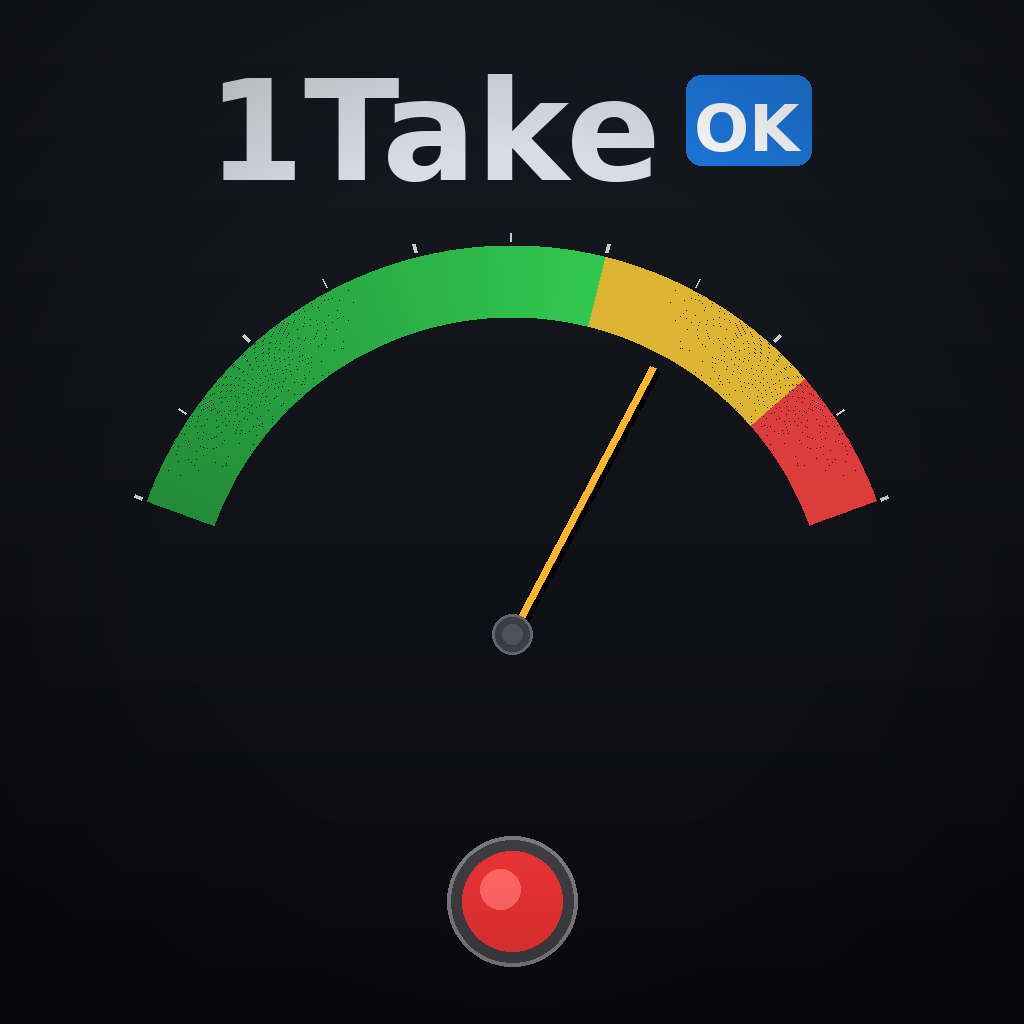
- VU meter shows average levels
- Tap to switch to GR (Gain Reduction) meter
- Peak indicator with reset function
FAQ
How do I start recording?
- Select a preset (Studio, Studio+, or Live)
- Tap the red record button
- Tap again to stop and save
What is Pre-roll?
Pre-roll captures audio before you press record. If you enable 5-second pre-roll and press record after a great guitar riff, those 5 seconds are automatically included.
How do I access my recordings?
Your recordings are saved automatically and can be found in the Recordings tab. They are also accessible via the Files app.
What does the GR meter show?
The GR (Gain Reduction) meter shows how much compression is being applied. Tap the VU meter to switch to GR display.
Contact
If you have questions or feedback, please contact us at:
📧 onetake@hakaru.net
Links
© 2026 hakaru.net